Smart IPTV Xtream Player4.4.1
Publisher Description
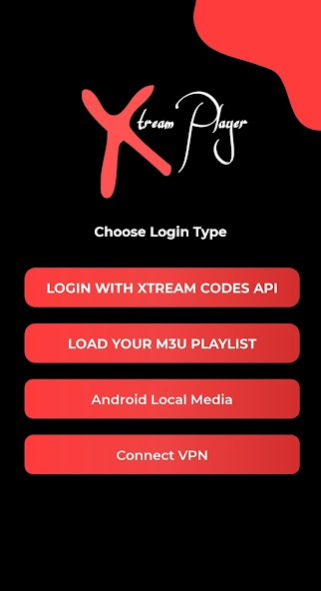
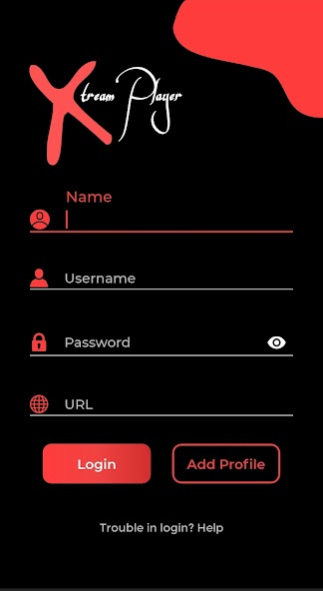
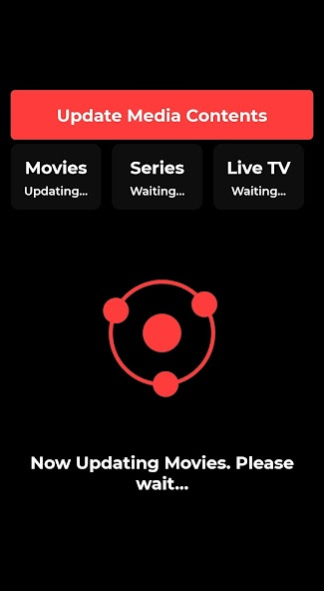
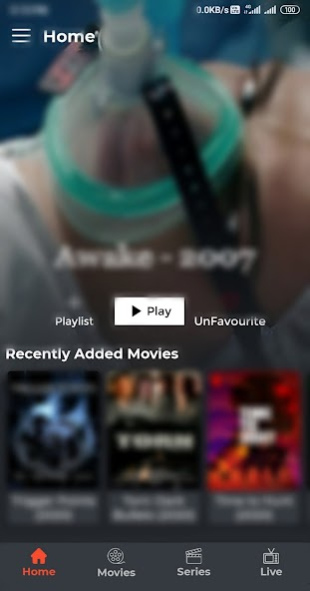
With
Xtream Player
you can watch Live TV, Movies, Series, and TV Catch-up from IPTV Service Providers on Android Phones, Android Boxes, Fire TV Sticks, and Nvidia Shield TVs.
FEATURES OVERVIEW:
Support: XTREAM-CODES API
Support: M3u line
Support: Chrome Cast
Support: Multi User
Support: Parental Control
Support: Recording Stream
Support: External Player
Support: Internal and External EPG (TV Program Guide)
Support: Favorites
Support: Playlist (self Manage Support)
Support: Theme
Support: Multiple Language
Support: Search Functionality.
Support: Sorting Functionality (with Default A-Z, Z-A, Top-Added, Last Modified)
Support: Movies Info & Rating and other info.
Support: All standard Codecs and Formats are supported.
Support: Fast, Reliable and Robust
Support: Speed Test
Support: Open VPN
Support: Local Audio/Video file Playing
Support: Lots of Customization options
Impressive & Attractive UI.
Easy to use.
One of the best features of this app is to get the content categorised into the group like Movies, Series, live, catch up separately.
- and much more...
What are you waiting for ?
Get the most downloaded IPTV Player Android App.
A fully customised and Brand-able version for OTT Providers.
Disclaimer:
- IPTV Xtream Player does not supply or include any media or content
- Users must provide their own content
- IPTV Xtream Player has no affiliation with any third-party provider whatsoever.
- We do not endorse the streaming of copyright-protected material without permission of the copyright holder.
Notes:
We do not promote or offer any Copyrighted material, IPTV Subscription, or Copyrighted Streams. Users have to add their own streaming URLs or any service from service providers for user-id, password, any credentials, URLs or m3u Playlists or any type of URLs that the user chooses to stream.
This application only displays the content added by the user and plays the user's content in this application.
About Smart IPTV Xtream Player
The company that develops Smart IPTV Xtream Player is Devcoder. The latest version released by its developer is 4.4.1. This app was rated by 5 users of our site and has an average rating of 2.0.
To install Smart IPTV Xtream Player on your Android device, just click the green Continue To App button above to start the installation process. The app is listed on our website since 2023-08-23 and was downloaded 8,848 times. We have already checked if the download link is safe, however for your own protection we recommend that you scan the downloaded app with your antivirus. Your antivirus may detect the Smart IPTV Xtream Player as malware as malware if the download link to com.devcoder.iptvxtreamplayer is broken.
How to install Smart IPTV Xtream Player on your Android device:
- Click on the Continue To App button on our website. This will redirect you to Google Play.
- Once the Smart IPTV Xtream Player is shown in the Google Play listing of your Android device, you can start its download and installation. Tap on the Install button located below the search bar and to the right of the app icon.
- A pop-up window with the permissions required by Smart IPTV Xtream Player will be shown. Click on Accept to continue the process.
- Smart IPTV Xtream Player will be downloaded onto your device, displaying a progress. Once the download completes, the installation will start and you'll get a notification after the installation is finished.
Program Details
System requirements
Download information
Pricing
Version History
version 4.4.1
posted on 2023-08-23
version 2.5.4
posted on 2021-06-22
- EPG Improvement
- Series Recent watch implement in new Way
- Bug Fixes
version 2.2.6
posted on 2020-12-18
-Add VPN
- Add showing categories first for movie ,series
-bug fixes
Note:- VPN user please test the app , any query please contact us dev.xtreamplayer@gmail.com
version 2.2.1
posted on 2020-08-23
- Backup and Restore Feature
- Hide Live TV feature
- Speed Test Feature
- UI improvement
- Bug Fixing
Note:- Existing user
if you getting problem with new version 2.2.1 so please clear your cache and clear app storage and then installed new user
